Showing posts with label Personalization. Show all posts

Thursday, 19 January 2012

Dexpot 1.5.15 Build 1799

The tool Windows lacks


With Dexpot you may have separate virtual desktops for different applications. One desktop might feature applications for graphic design, for example, and another might feature your business applications.
Switch between virtual desktops in order to keep track of your open windows. Using Dexpot, you'll considerably increase your workflow

Dexpot turns your monitor into up to 20. Dexpot creates additional workspaces you can quickly switch between. Take, for example, Desktop 1 to listen to your favourite music, surf the web on Desktop 2, use Desktop 3 to handle your daily word processing or switch to Desktop 4 for a game of Solitaire.
Different icons, wallpapers, start-ups, and much more can be configured for each desktop.
Users owning netbooks, tablets and UMPC with small screens and low resolutions will benefit from virtual desktops as well.

Features:  
  • Tremendously increases your work efficiency.   
  • Looks up to date, tidy and has a lovely design.
  • Fast set-up. Plenty of features. Yet easy to use.
  • Can be expanded with plugins. Results in small memory footprint.
  • Stunning 3D transition effects. Only if you like them.
  • Supports stylish wallpaper clocks (*.wcz).

Or download beta version

Saturday, 17 December 2011

SwiftKey X Beta Keyboard App for Android Mobiles and Tablets

SwiftKey X Beta is a new android app in the amazing Android appstore. SwiftKey X Beta is absolutely free, and works as an alternate android mobile keyboard app.


Why is it in worth mentioning this app? Cause, this is a revolutionary android text prediction keyboard app.


SwiftKey X Beta replaces the by-default on-screen android keyboard on mobile phones working on Android platform. SwiftKey offers options to customize your writing (typing) style. Some features include – enhanced careful typing, advanced predictive text for periodic fast typing. This new android app includes ‘auto correct options’ too. As far as I have seen the various Android apps, SwiftKey X Beta not only just predicts the current word you are typing, but it works on the next word using its pre-set algorithm.

You can very well, call it Android Intelligence.

SwiftKey X Beta features an alternate functionality, where you can assign various key setups on your android mobile. This android app tracks and displays the user’s typing statistics – which includes the user’s efficiency, number of keystrokes, and lots of other data. Last but not the least, SwiftKey Beta X includes the ability to choose between a light or dark theme, and facilitating the user to decide whether you want the arrow keys to be visible for navigation purpose or not.

Hopefully your either using this awesome Android app! Even if you don’t why not give it a try - SwiftKey X Beta | Homepage

Download Free from Android App Store:


Friday, 25 November 2011

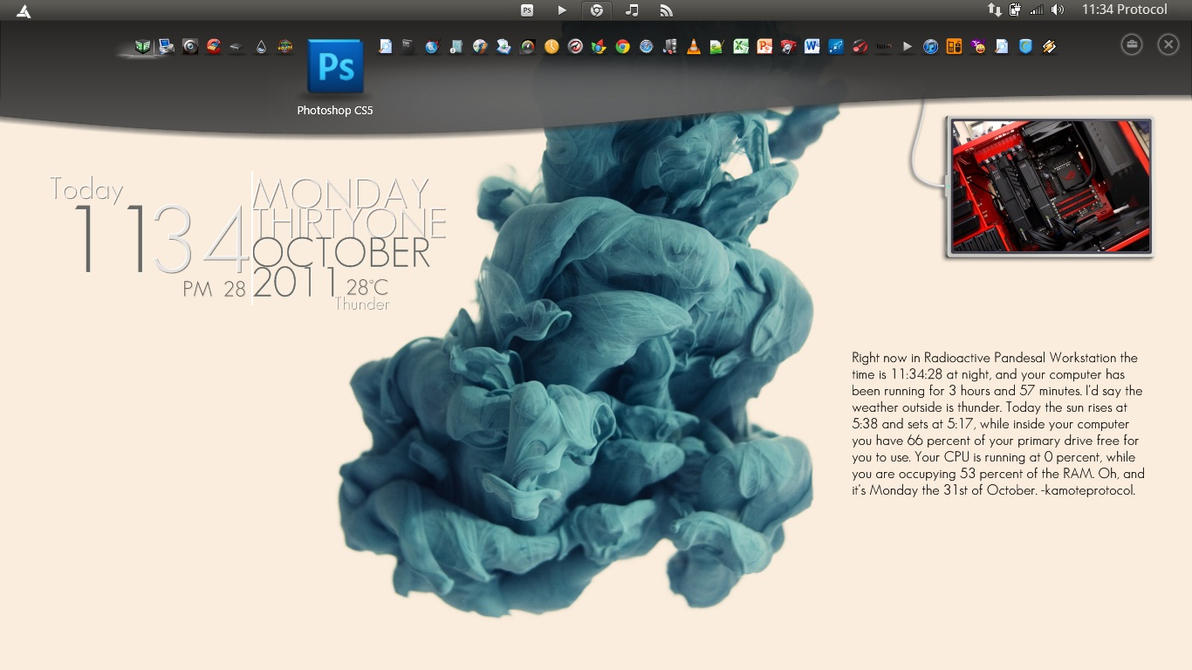
VAIO Gate 2.2 for Windows 7 and Vista + Wallpapers

A personal portal for your favourite media and programs

VAIO Gate offers fast and easy access to favourite multimedia programs and entertainment. This gateway is always there as a visually attractive bar at the top of your desktop and keeps track of your most popular programs and media.
  • Fully integrated onto your desktop for quick access with large icons
  • Simple and easy to use – click or touch* an icon to go straight to a program
  • RSS feed enables web recommendations and links


This is a new feature that comes with a SONY VAIO so If u ever had wanted one now u can feel like u are in a VAIO with this program called VAIO GATE, but now you can use it on Non SONY VAIO laptop/ any other Pc, Download Below.


Download Some Cool wallpapers for VAIO Gate Here

Note:If This Version of Vaio Gates doesnt work with your computer than Download this


Vlc Media Player Skins

VLC media player is a highly portable multimedia player for various audio and video formats as well as DVDs, VCDs, and various streaming protocols without external codec or program.
It can also be used as a server to stream in unicast or multicast in IPv4 or IPv6 on a high-bandwidth network.


VLC can play:

  • MPEG-1, MPEG-2 and MPEG-4 / DivX files from a hard disk, a CD-ROM drive, and so on
  • DVDs, VCDs, and Audio CDs
  • From satellite cards (DVB-S)
  • Several types of network streams: UDP/RTP Unicast, UDP/RTP Multicast, HTTP, RTSP, MMS, etc.
  • From acquisition or encoding cards (on GNU/Linux and Windows only) 
Download VLC media Player here

Skins:


How to use these skins?

Skins do not work on Mac OS X!
Put the downloaded VLT files in the following folder:
  • On Windows: the skins folder in the VLC installation directory (e.g. C:\Program Files\VLC\skins)
  • On Linux/Unix: ~/.local/share/vlc/skins2

Then open your VLC settings and change your interface from native to skins. You can choose your desired skin already there or change it when you are in the skins mode by rightclicking somewhere on the skin and going to Interface>Choose Skin.
VLC needs to be restarted to change to skins mode.

back to top
Twitter Delicious Facebook Digg Stumbleupon Favorites More

 
Design by Free WordPress Themes | Bloggerized by Lasantha - Premium Blogger Themes | Affiliate Network Reviews